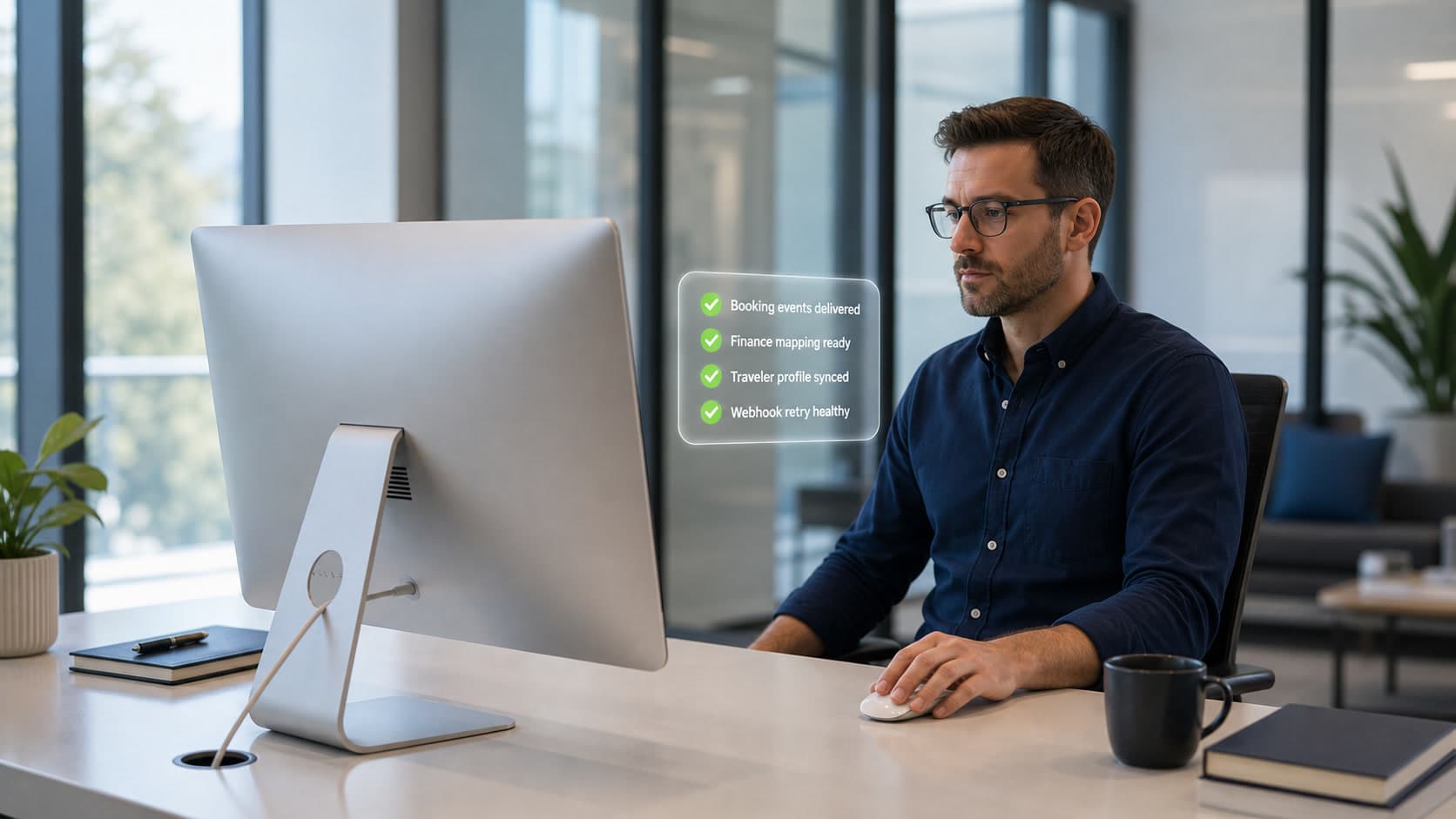
Make travel data move where the business needs it
Connect integrations, webhooks, custom fields, validation, and ERP mapping around managed travel workflows.
From connected system to dependable travel signal
- 01
Create the integration
Connect, refresh, monitor, and manage the systems that need travel context.
- 02
Map the data
Use custom fields, validation, usage details, and ERP field mapping.
- 03
Subscribe to events
Create and manage webhook subscriptions for organization or system events.
- 04
Track deliveries
List deliveries, return webhook stats, test subscriptions, and inspect delivery activity.
Enterprise connectivity
Integrations, webhooks, and fields that hold up in operations
Destinflow gives technical teams a structured way to connect systems, track event delivery, define fields, validate values, and map ERP context.
Integrations
Manage organization integrations and report sync status.
Webhook subscriptions
Manage and test event subscriptions before teams depend on them.
Webhook delivery tracking
List deliveries, return webhook stats, and deliver organization or system events.
Custom fields
Create field definitions, validate values, and expose definitions downstream.
ERP field mapping
Map organization custom fields to ERP fields.
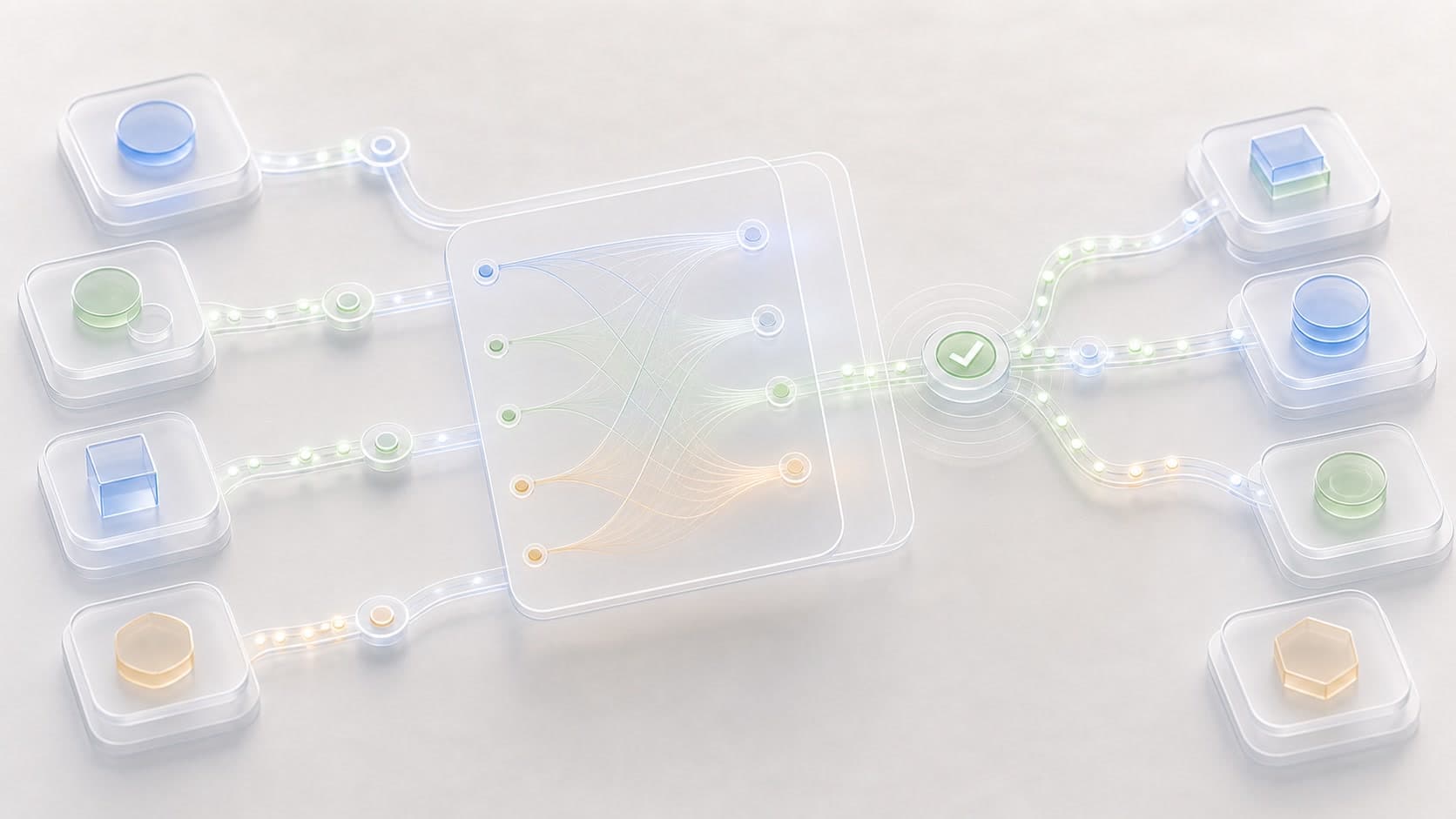
Implementation details without the noise
Give IT and operations teams clear paths for setup, security, compliance, and implementation questions.
Overview
A concise view of what this experience helps travelers do.
Get started
The path from idea to a working trip workspace.
Trust and privacy
How account, trip, and organization context stay protected.
Travel operations
Guidance for teams that need clear travel controls.
Questions
Helpful answers for travelers comparing their options.
Keep exploring with the complete guide, or talk with Destinflow when the page raises a specific planning question.
Questions about integrations and webhooks
Can integrations be enabled or disabled?+
Yes. Organization integrations support create, update, enable, disable, delete, list, retrieve, token refresh, and sync status reporting.
Can webhook delivery be monitored?+
Yes. Webhook delivery tracking supports delivery lists, webhook stats, and event delivery tracking.
How do custom fields connect to ERP workflows?+
Custom fields can be defined, validated, exposed for downstream services, and mapped to ERP fields.
Connected travel operations
Connect Destinflow to the systems travel already touches
Use Destinflow to connect integrations, webhooks, custom fields, validation, and ERP mapping around managed travel workflows.
- Integration status
- Webhook delivery
- Custom fields
- ERP mapping
Continue with Destinflow
See the full business travel workflow.
Return to the business travel overview to see how setup, policies, budgets, approvals, cards, expenses, identity, integrations, and reporting connect.