
Make company travel ready before the first trip
Verify the organization, structure teams, invite members, and give every traveler the right company context.
Enterprise setup
Every travel control depends on clean company context
Policies, budgets, approvals, cards, and integrations only work when structure and membership are reliable.
Ownership is unclear
Teams need a verified company context before travel controls can be trusted.
Members need structure
Roles, active organization context, invites, and departments must stay current as teams change.
Onboarding cannot be manual forever
Admins need straightforward invite and bulk department workflows for real organizations.
Destinflow answer
A calm foundation for managed travel
Destinflow brings organization lifecycle, domain verification, member management, invites, and departments into the first setup path.
- Organization lifecycle
- Domain verification
- Membership management
- Department management
Admin experience
Stand up the operating layer for managed travel
Admins can set up company records, verify ownership, manage membership context, invite teams, and structure departments before controls go live.
Organization lifecycle
Keep the company record current as teams launch, grow, or change.
Domain verification
Generate verification tokens, verify ownership, and report verification status.
Membership management
List members, update roles, remove members, switch active organization, and expose settings.
Invite management
Invite one member, bulk-invite members, resend, revoke, accept, and list invites.
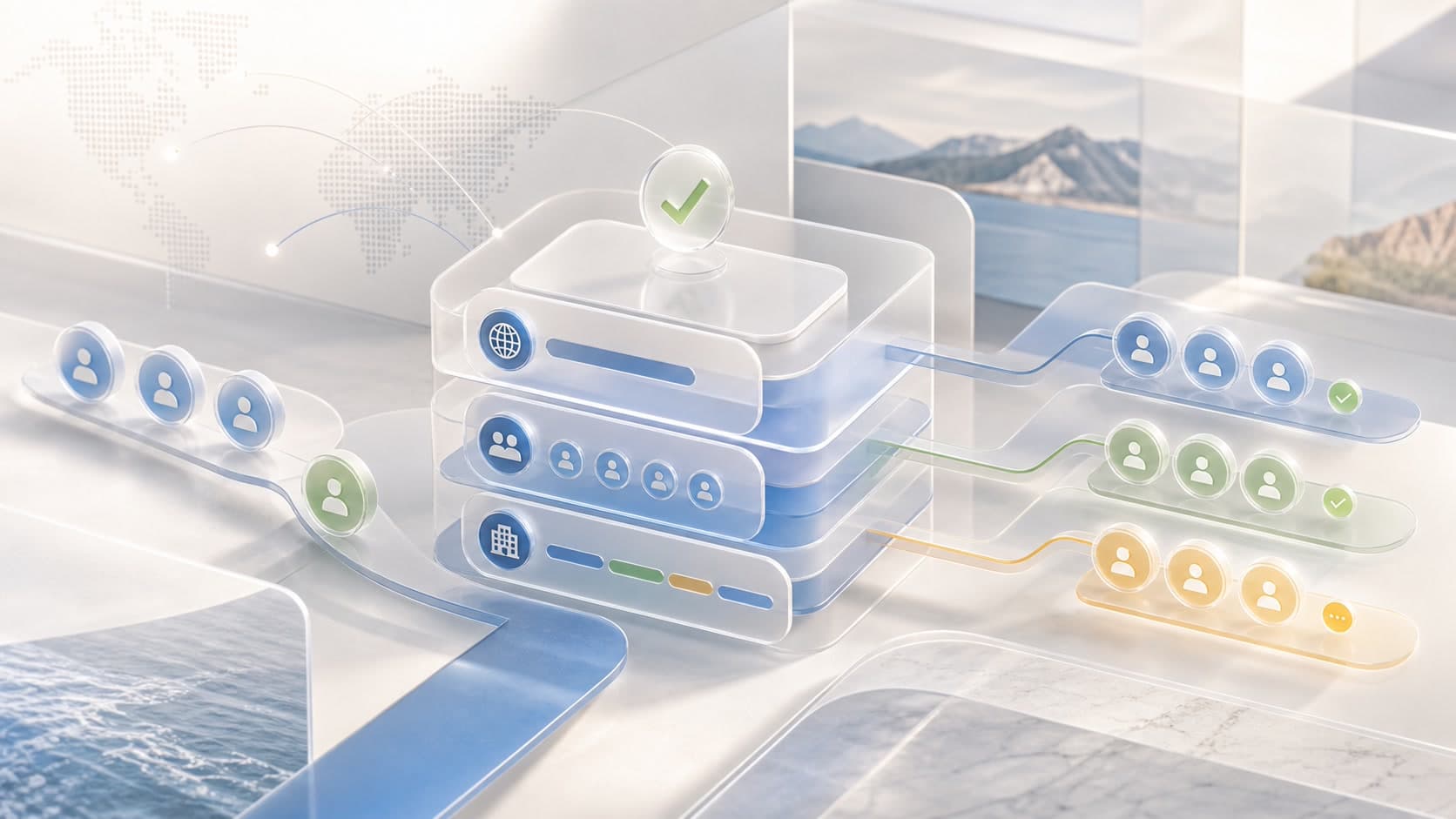
The setup path that unlocks the rest of the platform
- 01
Create the organization
Set the company record and core settings.
- 02
Verify the domain
Confirm domain ownership before broader rollout.
- 03
Add teams and departments
Structure departments clearly and support bulk setup when teams need speed.
- 04
Invite members
Bring travelers and admins into the right organization context.
Questions about organization setup
Can Destinflow support multiple organization memberships?+
Yes. User organization lookup returns organizations and memberships for a user, and membership management supports switching the active organization.
Can admins invite members in bulk?+
Yes. Invite management supports inviting one member and bulk-inviting members, along with listing, resending, revoking, and accepting invites.
Can departments be managed in Destinflow?+
Yes. Department management supports creating, updating, deleting, listing, retrieving, and bulk uploading departments.
Day one setup
Prepare the company before travel demand scales
Use Destinflow to verify the organization, structure departments, manage members, and make travel controls ready.
- Domain verification
- Member roles
- Bulk invites
- Departments
Continue with Destinflow
See the full business travel workflow.
Return to the business travel overview to see how setup, policies, budgets, approvals, cards, expenses, identity, integrations, and reporting connect.