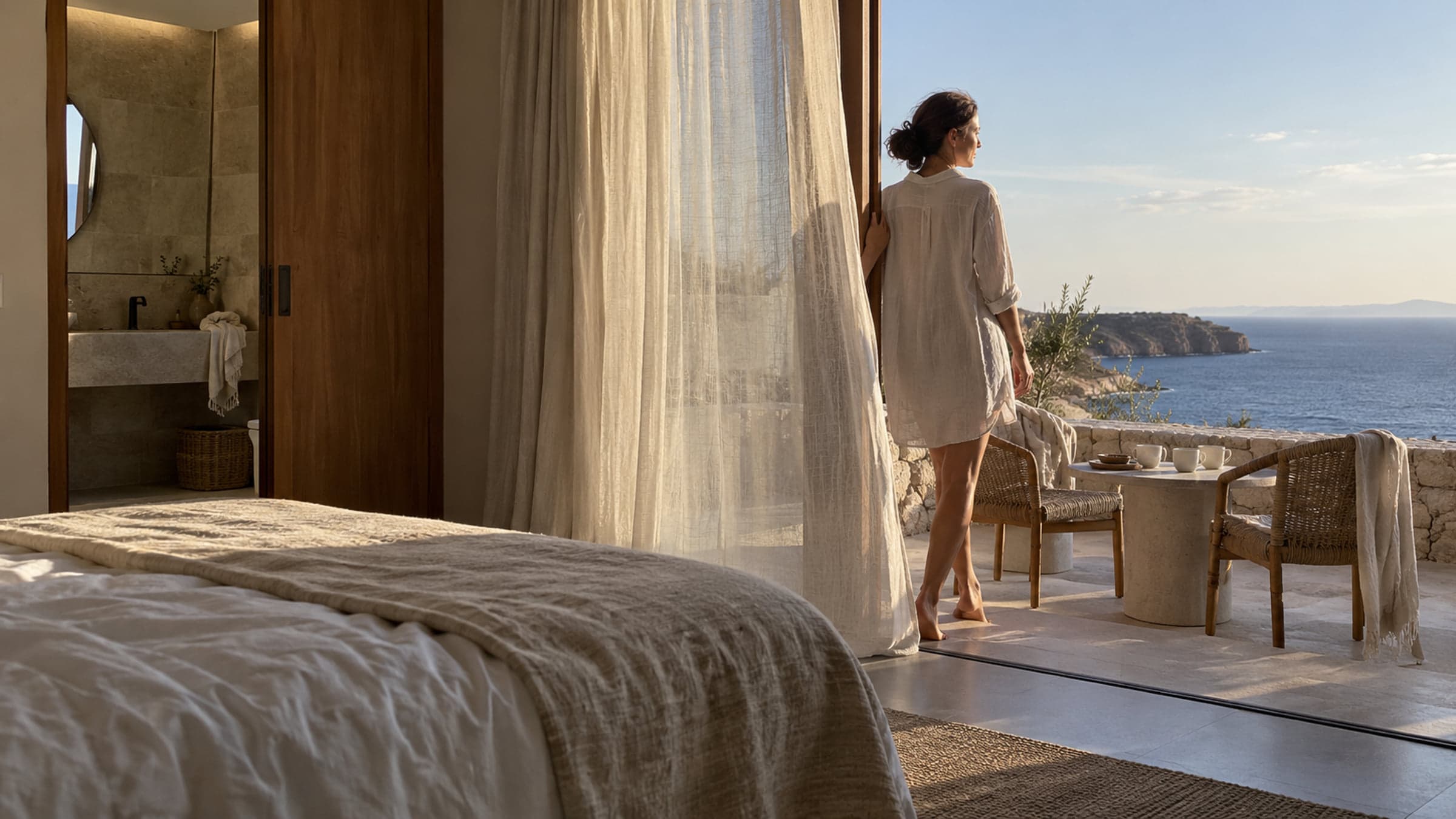
Give the room a story of its own.
Bring the view, the details and the feeling of a Space together. Give guests a page they can explore before they continue to your booking site.
More than a room photo
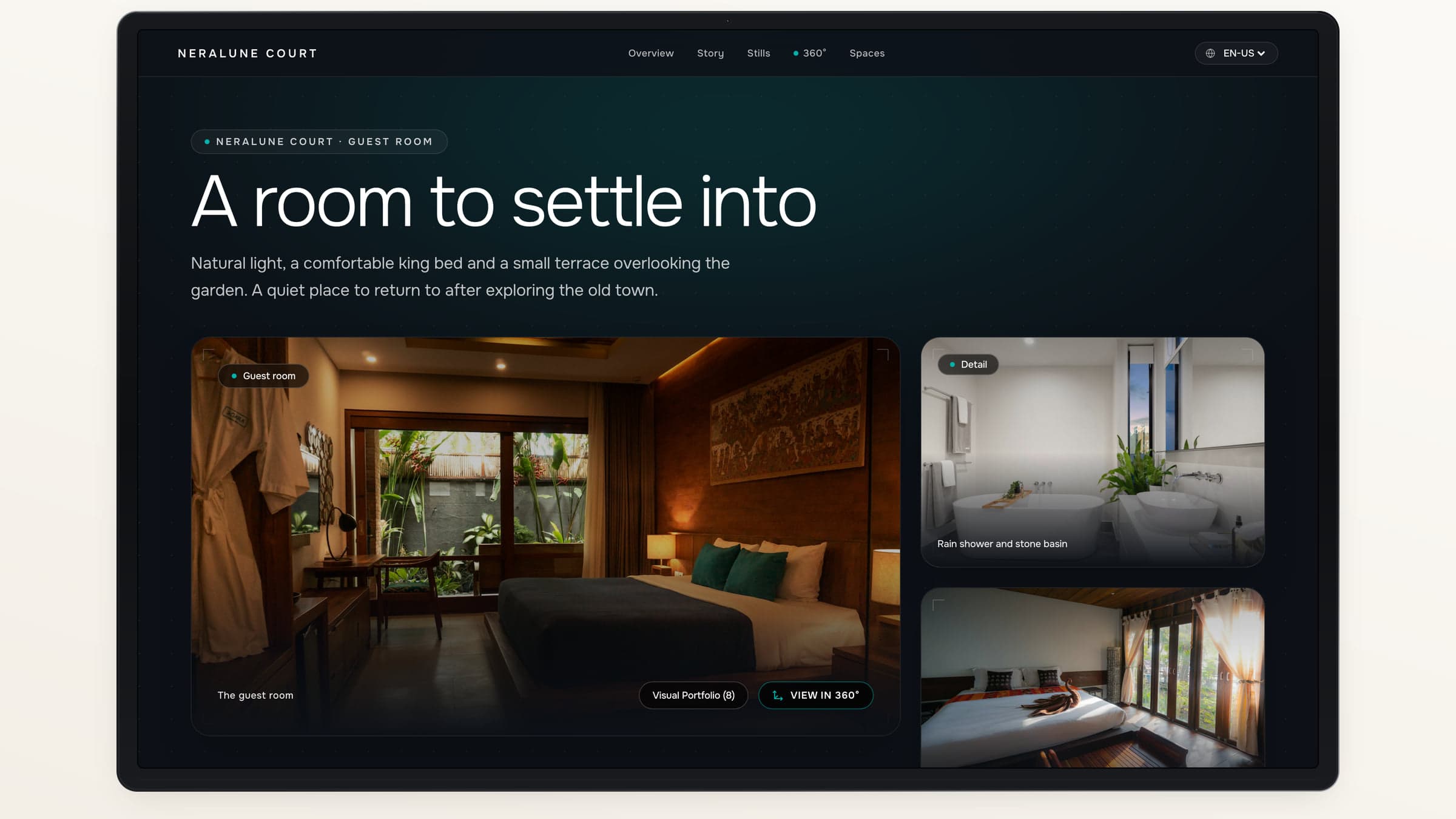
Let guests understand the space.
Pair an interactive 360° view with selected photographs, a concise introduction and the details your hotel has confirmed.
Look around
Let guests explore the panorama at their own pace.
Look closer
Use the gallery for details the wide view cannot show.
Know what is included
Present confirmed guest-room facts and related amenities.
The details that matter
Show the bathroom. The balcony. The view.
Build a gallery around the parts of the room guests want to see. Reorder photos and connect the Space to relevant dining, wellness or included amenities.
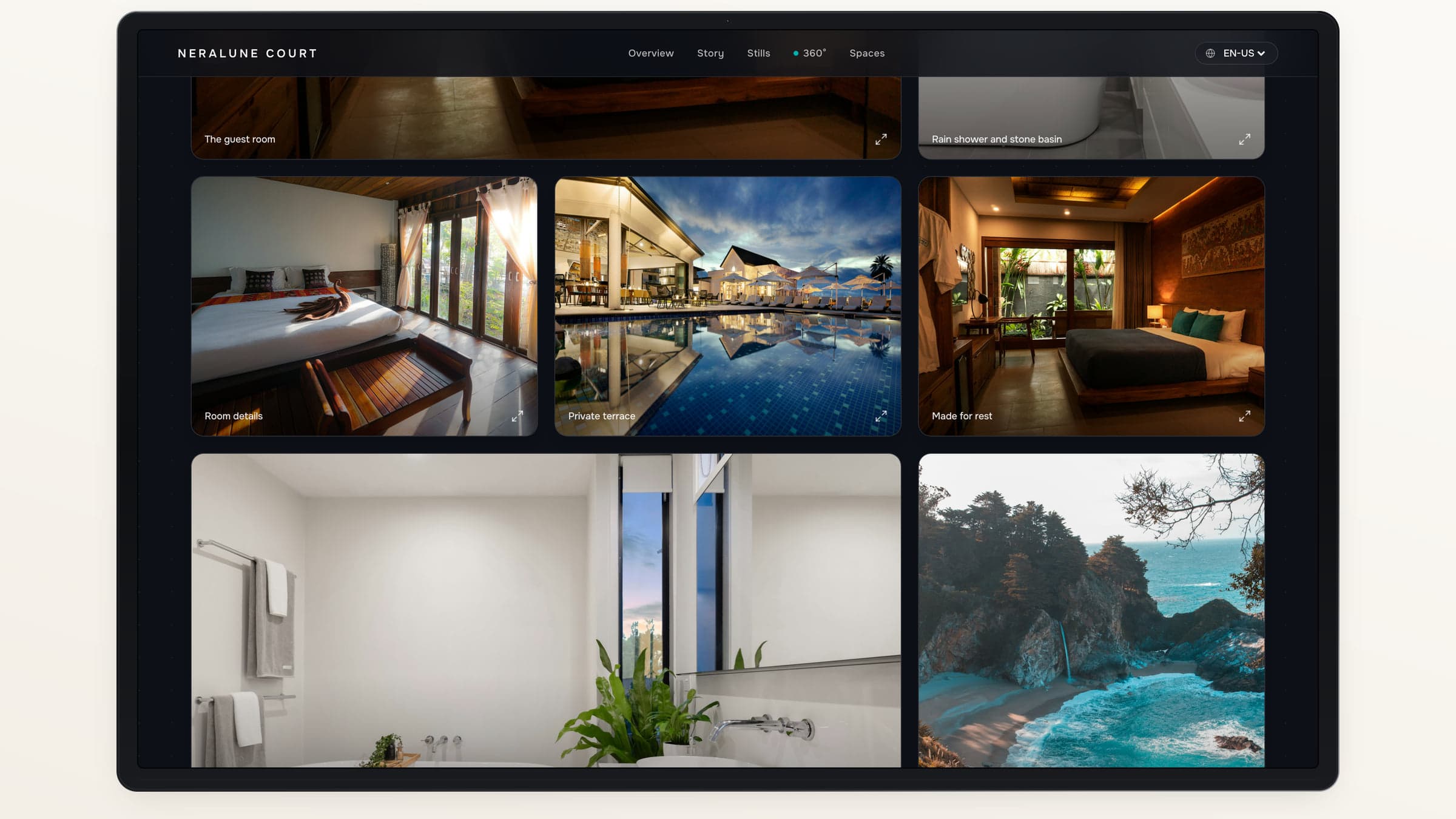
Selected photography gives each Space its own character.
Build the page around what you know.
- 01
Choose a ready Space
Start with a panorama you have reviewed.
- 02
Confirm the details
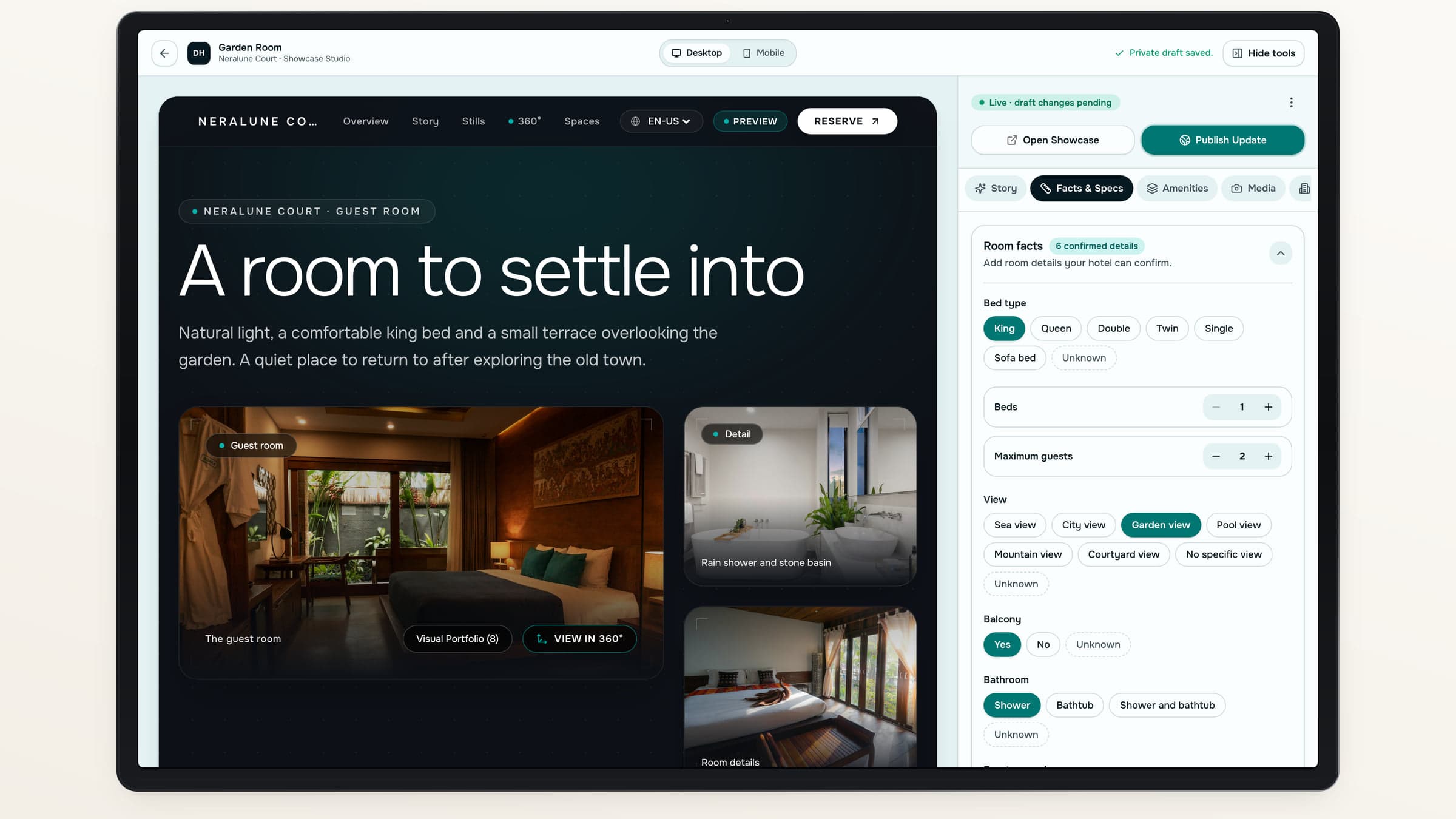
Review photo-based guest-room suggestions and add hotel knowledge.
- 03
Shape the story
Write the copy or prepare an AI-assisted draft from your source material.
- 04
Preview and publish
Check the page, then release the version you want guests to see.
Help with the first draft
Your facts. A little help with the words.
Prepare Showcase copy from confirmed room details or hotel-provided notes. Edit the draft in the languages you choose before it becomes public.
Suggestions stay suggestions
Photo-based guest-room facts need your review.
Copy you can edit
Refine the introduction, highlights and FAQs.
A consistent hotel identity
Use the property’s published design family and branding.
A closer look, with a next step.
Shift 01
The room
A photo on its own
One angle at a time
A Hotel Showcase
Photography alongside an interactive 360° view
Shift 02
The details
A photo on its own
Described somewhere else
A Hotel Showcase
Confirmed guest-room facts beside the Space
Shift 03
What is nearby
A photo on its own
Left for guests to find
A Hotel Showcase
Related Spaces and amenities
Shift 04
The next step
A photo on its own
A separate search
A Hotel Showcase
A link to your official booking destination
Your published Showcase
Publish with confidence in the version.
- Drafts stay separateEdit the next version while the published page keeps its current content.
- Your hotel stays in chargeReview copy, room facts and imagery before publication.
About Hotel Showcases
Is a Showcase the same as the full hotel website?+
A Showcase presents one Space. Your hotel website brings together the property’s pages, Spaces and Offers.
Which details can AI suggest from photos?+
For guest-room Spaces, photo review can suggest bed type and count, view, balcony and bathroom details. Suggestions are not public facts until your hotel confirms them.
Does AI write the entire hotel website?+
No. AI can help draft Showcase copy from confirmed room details or your own notes. Your team writes the hotel pages and reviews everything before it goes live.
Does the page take room bookings?+
Its booking action leads to the official destination your hotel has configured. It does not manage room availability or complete a room reservation itself.
Destinflow for Hotels
Let a room make its own introduction.
Explore a Showcase from first look to the official booking action.
- 360° and photography
- Hotel-confirmed details
- Editable, localized copy