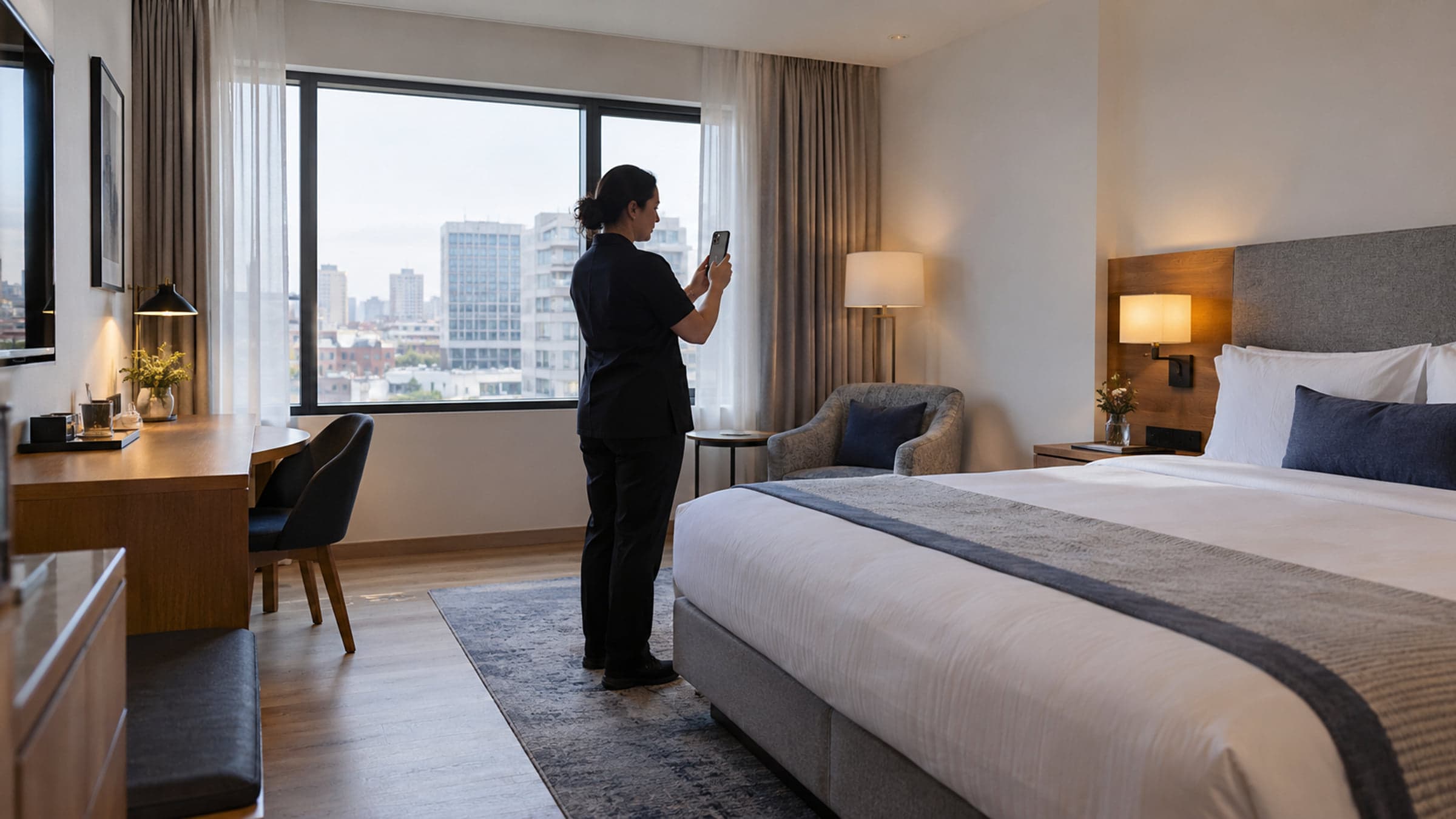
Give guests a look around.
Capture your hotel’s spaces with a compatible phone. Turn the views into an AI-generated panorama, review it, and choose where guests can explore it.
From your phone to a Space
Follow the view. Keep your place.
Start from your computer and continue on a phone with a QR code. Guided targets help you capture the twelve views used to build the panorama.
A clear capture sequence
Work through one view at a time.
Room to correct a shot
Retake a view without starting the whole capture again.
Progress that can resume
Recover saved capture progress and interrupted uploads.
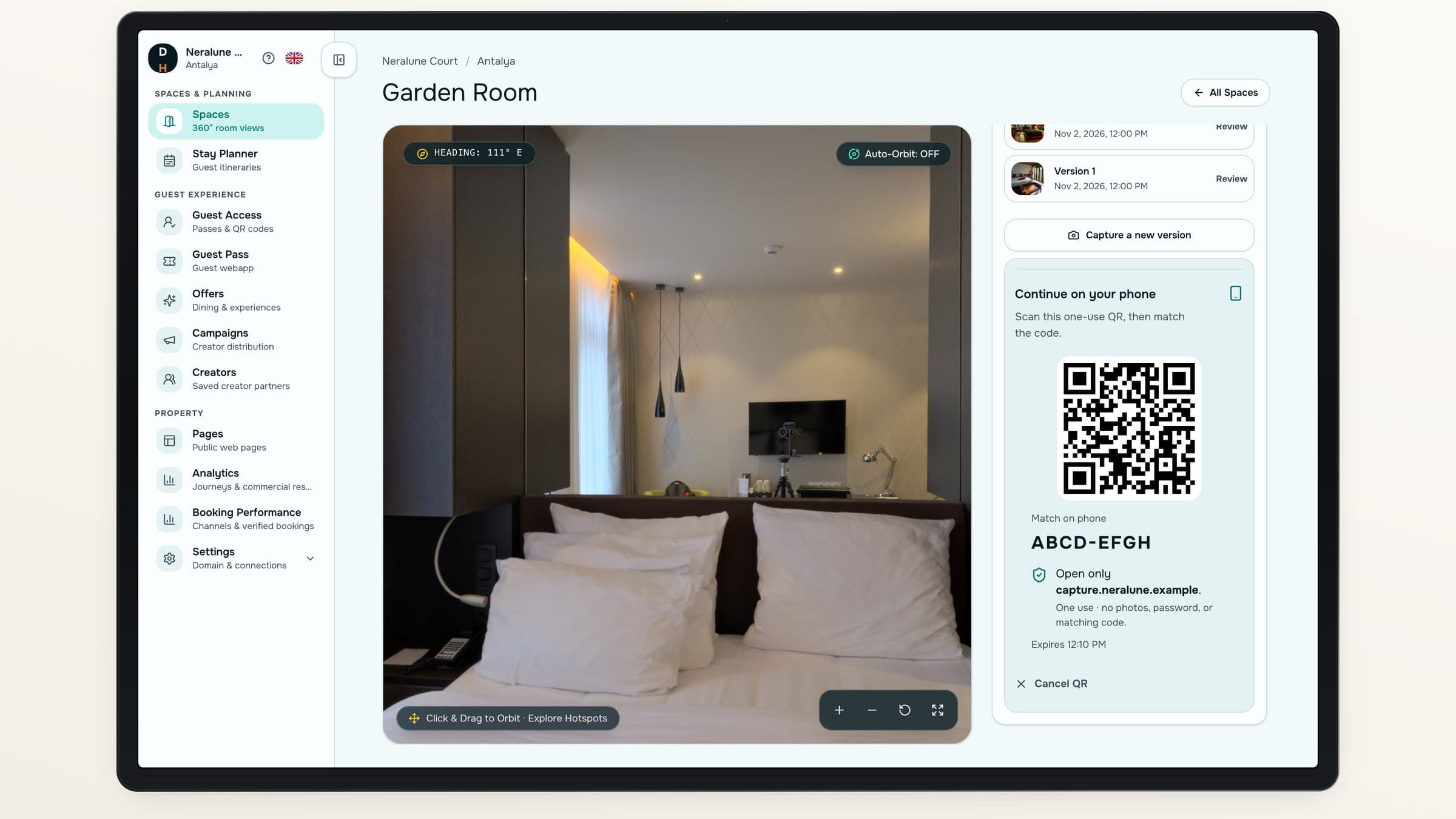
Capture, review, then choose what goes live.
- 01
Add a Space
Add a room, suite, restaurant, spa or another part of the hotel.
- 02
Capture the views
Use the guided flow on a supported phone.
- 03
Review the panorama
Look around the AI-generated result before publishing.
- 04
Choose an output
Download, embed or build a richer Showcase.
Your Space library
Keep the property in view.
Find each Space, its current status and saved versions in a visual library. Return to a capture or review a ready view without losing the rest of your work.
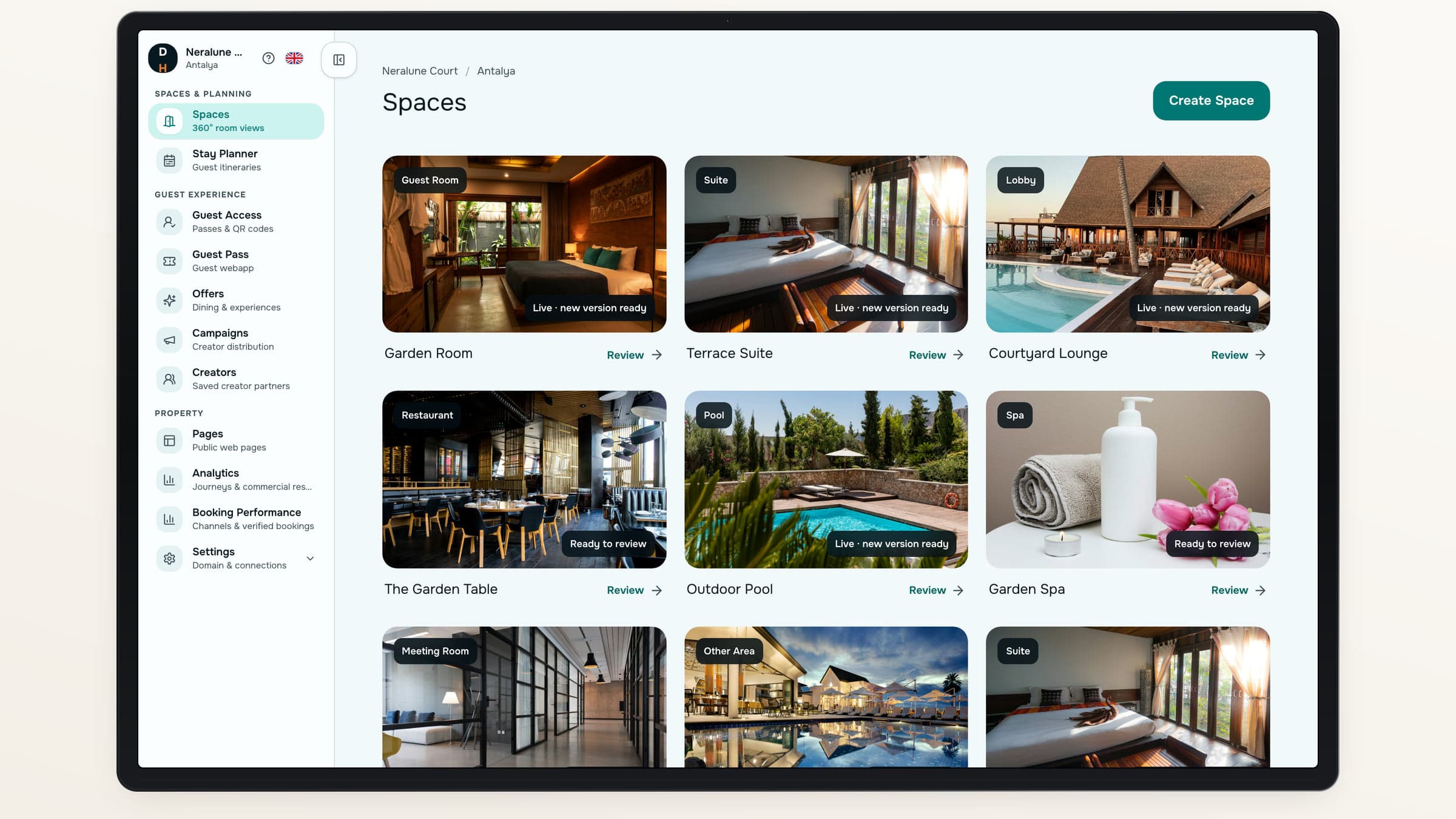
Organize the rooms and shared spaces your hotel wants guests to explore.
Use the view where it helps.
Choose the output that fits the moment.
Use case 01
On your existing website
Place the interactive viewer inside a page you already have.
- Copy the embed code
- Let visitors look around
Use case 02
In a dedicated Showcase
Give the Space its own presentation with photographs and useful details.
- Add confirmed guest-room details
- Connect to your booking destination
Review before release
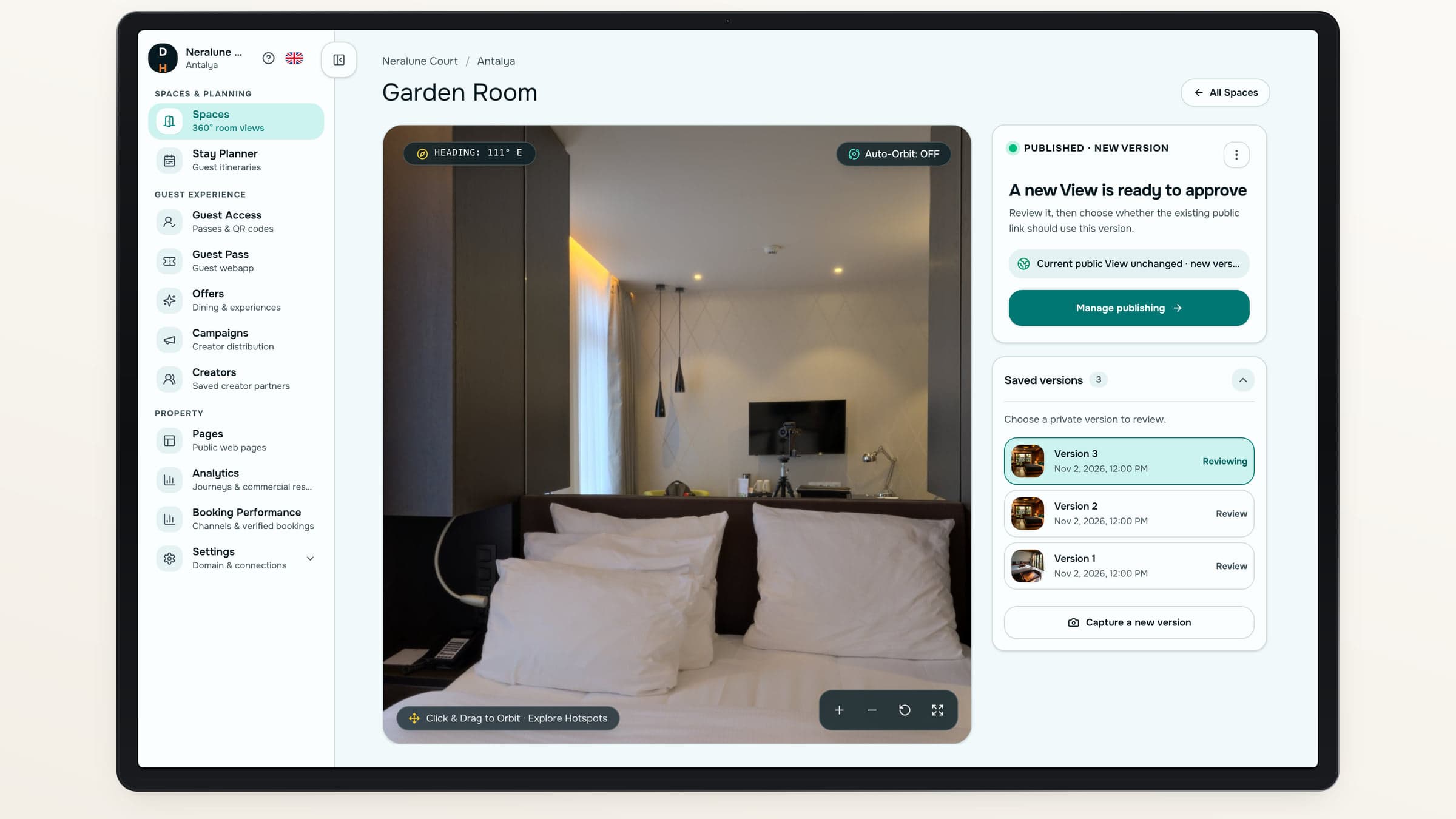
A new capture does not replace your live view.
Keep the published version available while you review a new one. Choose an earlier ready version or publish a replacement when it is right.
Choose the version
Compare your saved ready outputs.
Control visibility
Publish, replace or withdraw the public view.
Keep a download
Prepare a panorama download without publishing the Space.
Before you publish
Be clear about what guests are seeing.
- AI-generated from your capturesCheck that the panorama accurately represents the space before guests see it.
- Compatible phonesCapture needs a supported rear camera and orientation sensors. Unsupported devices stop before capture.
- Your publication decisionYou choose the ready view that guests can access.
About capture and 360° views
Do we need a dedicated 360° camera?+
The guided capture flow uses a compatible phone’s rear camera and orientation sensors. Device support is checked before capture.
Is the panorama generated by AI?+
Yes. The system uses the twelve captured views to generate a panorama. Your hotel reviews the output before publishing it.
Can we keep our current website?+
Yes. You can embed the public viewer in your existing site, share a link or create a separate Showcase.
Can we remove a public view?+
Yes. Withdraw the publication at any time. Shared links and embeds then show that the view is no longer available.
Destinflow for Hotels
Start with a space worth exploring.
See how guided capture, review and publication work together.
- Guided phone capture
- Review before publishing
- Download, embed or Showcase